
How to Delete a Telegram Account Permanently — Complete Guide
- 2 days ago|
- By Yjagadeesh
How to Delete Your Telegram Account — Step by Step
Deleting your Telegram account permanently erases your messages, contacts, groups, and media from Telegram's servers, and the process only takes a few minutes whether you're doing it from your phone or a web browser. This guide covers exactly how to delete your Telegram account:
- How to delete Telegram from your phone (iOS and Android)
- How to delete Telegram from desktop or web
- What happens to your chats, groups, and contacts after deletion
- How to back up your data before deleting
- How to deactivate temporarily instead of deleting permanently
- What to consider before making the switch to another messaging app
If you've decided Telegram isn't the right fit for you anymore, whether you're switching to a more secure platform, consolidating the number of messaging apps you use, or simply stepping away from social messaging altogether, here's exactly how to do it safely and completely.
What Happens When You Delete Your Telegram Account
Before diving into the steps, it's worth understanding exactly what deletion does, since Telegram's process is more permanent than many other messaging apps.
When you delete your Telegram account:
- Your profile, including your name, username, and photo, is permanently removed
- All your personal chats are deleted from your device and Telegram's servers
- You're automatically removed from all groups and channels you were part of
- Any channels you owned are either deleted or transferred to another admin, depending on your settings
- Your phone number is freed up and can be used to create a new Telegram account later
- The people you chatted with will still have your old messages on their device, unless they also delete the conversation
Before deleting your account, review Telegram's official FAQ for additional information about account deletion, messages, and privacy.
Before You Delete: Back Up Anything You Want to Keep
Once your Telegram account is deleted, there's no recovery option. There's no "undo," no support ticket that brings your chats back, and no grace period once the deletion is finalized. Because of this, it's worth taking a few minutes to back up anything important first.
To export your Telegram data:
- Open Telegram and go to Settings
- Tap Advanced, then scroll to find Export Telegram Data
- Choose what you want to include — chats, media, contacts, and more
- Select your preferred format (HTML is readable in any browser; JSON is better if you plan to import the data elsewhere)
- Tap Export and save the file somewhere safe, such as a cloud drive or external storage
This step is especially important if you have media, documents, or conversations in Telegram that don't exist anywhere else.
How to Delete Your Telegram Account on Mobile (iOS and Android)
The mobile deletion process is nearly identical across iOS and Android, since Telegram keeps its settings menu consistent across platforms.
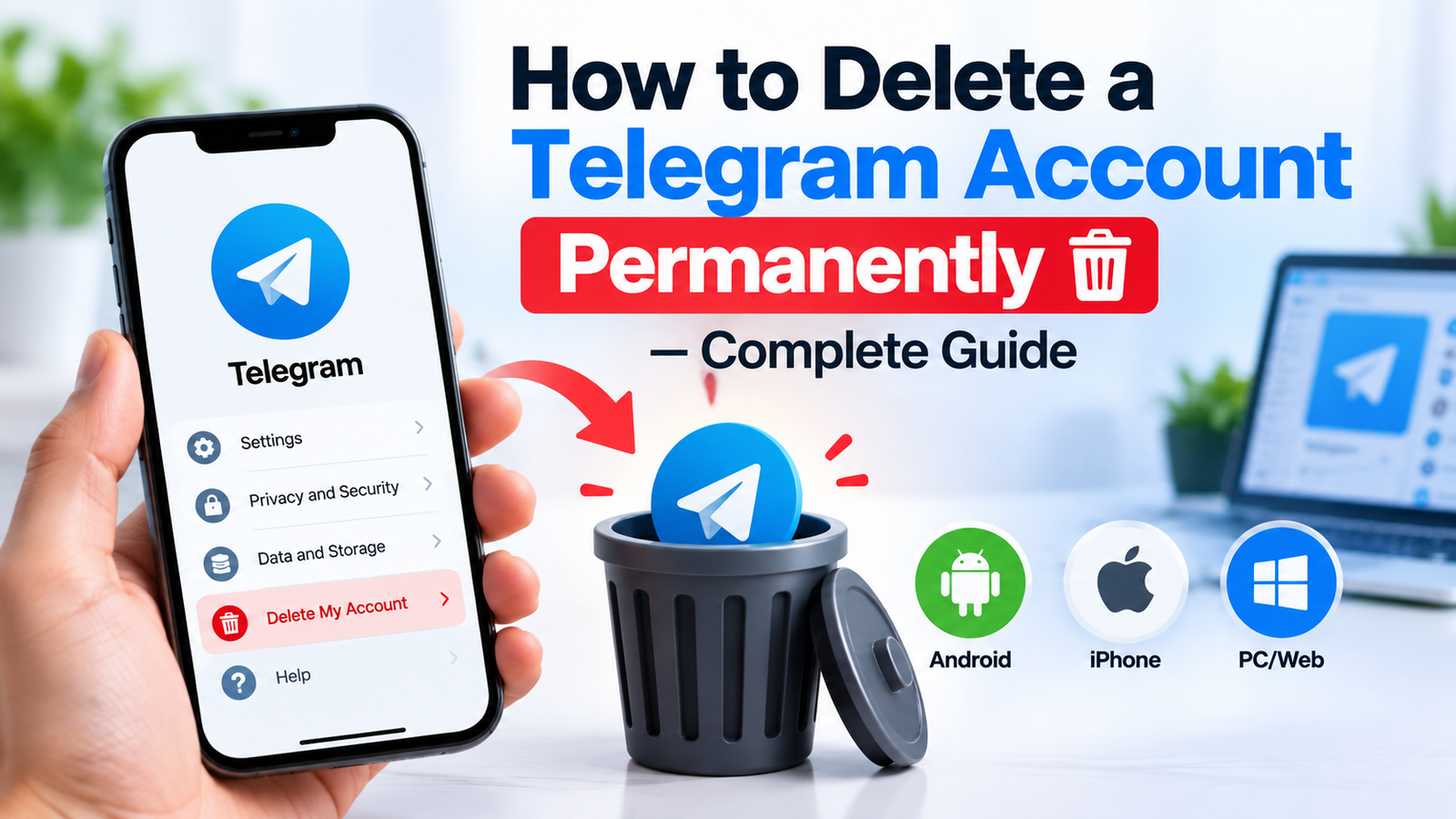
Steps to delete Telegram on your phone:
- Open the Telegram app
- Tap Settings (usually in the bottom-right on iOS, or accessible from the side menu on Android)
- Tap Privacy and Security
- Scroll down to Delete My Account
- Choose how long Telegram should wait before automatically deleting your account if you don't log in — if you want immediate deletion, you'll still need to trigger this manually
- Enter your phone number to confirm
- Tap Delete Account
Once you confirm, your account and all associated data are scheduled for permanent removal.
How to Delete Your Telegram Account from Desktop or Web
If you'd rather not use your phone, you can delete your account entirely from a browser using Telegram's official deactivation page.
Steps to delete Telegram from a browser:
- Go to Telegram's official account deletion page at my.telegram.org/auth
- Enter your phone number, including the country code
- Telegram will send a confirmation code to your Telegram app, enter that code on the web page
- Once logged in, scroll down and click Delete My Account
- Confirm the deletion when prompted
This method is particularly useful if you've lost access to your phone but still want to permanently close your account, since it only requires receiving the confirmation code through the app on any device where you're still logged in.
Deactivate vs Delete: Understanding the Difference
Telegram doesn't offer a true "pause" feature the way some social platforms do, but there's an important built-in safety net worth knowing about.
When you go through the account deletion process, Telegram asks you to set a timer, ranging from 1 month up to 12 months, for automatic deletion if you don't log back in. This means:
- If you simply stop using Telegram and never log in again, your account will automatically delete itself once that timer expires
- If you log in again before the timer runs out, the deletion is cancelled and your account remains fully active with all your data intact
- This is different from manually tapping "Delete Account," which deletes everything immediately with no waiting period
For a walkthrough of where to find this setting, read Android Central's guide to setting Telegram account self-destruction.
What Gets Deleted and What Doesn't
Understanding the scope of deletion helps avoid surprises after the fact.
Permanently deleted:
- Your Telegram profile and username
- All personal one-on-one chats, from your device and Telegram's servers
- Your contact list within Telegram
- Groups and channels you created (unless ownership is transferred first)
- Your Telegram Premium subscription, if you have one active
Not deleted:
- Messages you sent that the recipient has already saved or screenshotted
- Copies of your chats that other people exported or backed up themselves
- Your phone number itself, it simply becomes available to register a new Telegram account later
- Any third-party bots or services you connected Telegram to, which may require separate removal
How to Transfer Group or Channel Ownership Before Deleting
If you manage a Telegram group or channel that other people depend on, deleting your account without planning ahead can cause real disruption for your community.
To transfer ownership of a group:
- Open the group and tap its name to view Group Info
- Tap Administrators
- Select the member you want to promote
- Tap Transfer Group Ownership
- Confirm with your two-step verification password if enabled
To transfer ownership of a channel, the steps are nearly identical, open Channel Info, go to Administrators, select the new owner, and transfer ownership the same way.
Doing this before deleting your account ensures your community doesn't lose its group or channel entirely once you're gone.
Switching to a More Secure Messaging App
If privacy, security, or simplicity is the reason you're leaving Telegram, it's worth taking a moment during this transition to think about what you actually need from a messaging app going forward.
Many people who delete Telegram are looking for a platform that offers stronger default privacy, cleaner group management, or simply a more focused messaging experience without the sprawl of channels, bots, and public groups that Telegram has leaned into over the years.
If that sounds like you, it's worth exploring secure and private messaging options designed specifically around user privacy as a core feature rather than an afterthought, along with a closer look at how end-to-end encryption actually works across different messaging platforms, so you know exactly what you're getting with whatever app you choose next.
For anyone coming from a larger, more cluttered messaging ecosystem, our guide on Telegram vs WhatsApp can help readers compare messaging platforms before choosing an alternative.
Common Mistakes to Avoid When Deleting Telegram
A few small oversights can turn an otherwise simple process into a frustrating one:
- Forgetting to export your data first — once deletion is confirmed, there's no way to retrieve chats or media afterward
- Not transferring group or channel ownership — communities you've built can be disrupted if you're the sole admin
- Assuming deletion removes messages from other people's devices — it doesn't, so sensitive conversations may still exist elsewhere
- Confusing deactivation with deletion — the automatic timer only deletes your account if you never log back in; it's not a way to "pause" your account while remaining deleted in the meantime
- Deleting before downloading Premium purchase receipts, if you ever need them for billing records
Frequently Asked Questions
1.Can I recover my Telegram account after deleting it?
No. Once you confirm deletion, either through the app or the web portal, the process is permanent and immediate. There is no recovery option, which is why backing up your data beforehand is strongly recommended.
2. Will deleting my Telegram account delete messages from the other person's phone too?
No. Deleting your account removes the chat from your own device and Telegram's servers, but any messages already delivered and stored on the other person's device remain there unless they delete the conversation themselves.
3. Does deleting Telegram also cancel my Telegram Premium subscription?
Deleting your account removes access to Premium features tied to that account, but if you purchased Premium through the App Store or Google Play, you may need to separately cancel the recurring subscription through your app store settings to stop future billing.
4. Can someone else create a new Telegram account with my old phone number?
Yes. Once your account is deleted, your phone number becomes available again, and anyone who later gets assigned that number by their carrier could technically register a new Telegram account with it.
5. How long does Telegram take to fully delete an account?
When you manually confirm deletion through the app or web portal, the process is immediate. If you instead rely on the automatic deletion timer by simply not logging in, deletion occurs only after the timer you selected, ranging from 1 to 12 months, fully expires.
6. What happens to groups I created if I delete my account?
If you don't transfer ownership first, Telegram's system will typically assign ownership to another existing administrator in the group automatically. If no other admin exists, the group may become inactive or orphaned, so transferring ownership manually beforehand is the safer option.